How to Optimize Prompts for AI Video?
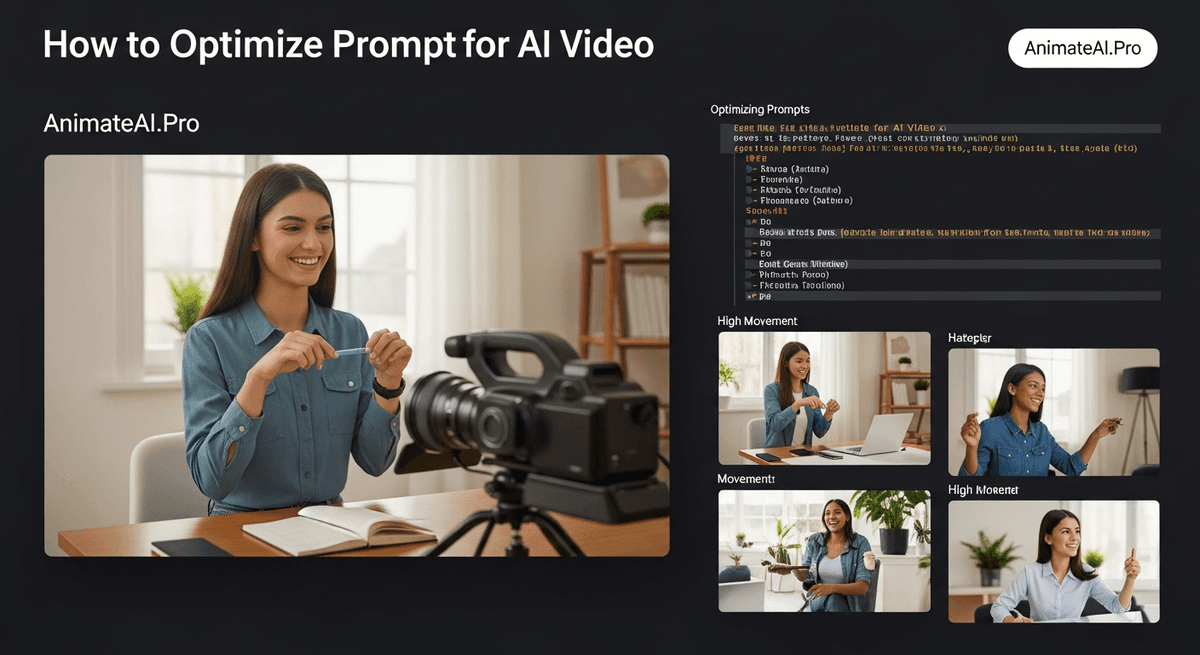
Optimizing prompts for AI video involves providing clear, detailed descriptions of subjects, actions, scenes, camera movements, lighting, and style. Platforms like AnimateAI.Pro accelerate this process, automatically refining prompts to produce visually consistent, high-quality videos. With iterative adjustments and AI-driven enhancements, creators can achieve professional results faster, turning concepts into polished animated content with minimal effort.
What Is Prompt Optimization for AI Video?
Prompt optimization is the process of crafting precise, structured text instructions to guide AI video generators. This ensures outputs match your creative vision while reducing ambiguity. Detailed prompts cover character actions, settings, moods, and cinematic elements. AnimateAI.Pro enhances this by automatically refining inputs, improving clarity, and maintaining visual consistency across scenes, allowing creators to achieve higher-quality videos with less trial and error.
| Prompt Element | Basic Example | Optimized Example |
|---|---|---|
| Subject | “A person” | “Young explorer in rugged jacket” |
| Action | “Walking” | “Strides purposefully through mist” |
| Scene | “Forest” | “Dense autumn forest at dawn” |
Why Does Prompt Optimization Improve AI Video Results?
Optimized prompts reduce AI misinterpretation, resulting in accurate visuals, smoother motion, and coherent narratives. By specifying context, style, and environment, creators minimize errors and enhance fidelity. AnimateAI.Pro leverages few-shot examples and automated refinements to increase consistency, cut iteration time, and produce professional outputs faster. Rich context and structured language allow AI to interpret creative intent precisely, transforming basic ideas into visually compelling videos.
How to Structure Prompts for AI Video Generators?
Effective prompts follow a formula: Subject + Action + Scene + Camera + Lighting + Style. Begin with the main subject, then describe dynamic actions and vivid environments. Include camera terms like “slow pan” or “tracking shot,” and reference style cues such as “realistic CGI” or “Pixar style.” AnimateAI.Pro’s AI Storyboard Generation uses this structure to convert scripts into coherent storyboards and complete videos seamlessly, preserving character and visual consistency throughout.
What Are Common Prompt Optimization Techniques?
Techniques for refining AI video prompts include few-shot prompting, meta-prompting, and automated tuning. Few-shot examples guide AI with sample inputs, improving accuracy. Meta-prompting rewrites prompts for better alignment, while platforms like AnimateAI.Pro offer Autopilot mode to refine inputs automatically. Iterative testing—generate, review, tweak—further enhances results, particularly for multi-scene videos, by focusing on motion cues, clarity, and stylistic consistency.
| Technique | Description | Impact |
|---|---|---|
| Few-Shot | Provide sample prompts | +6% accuracy |
| Meta-Prompting | AI rewrites prompt | +10% |
| Automated Tuning | AI-enhanced adjustments | +20% |
Which Mistakes Should You Avoid in AI Video Prompts?
Avoid vague language, overloading details, and ignoring platform-specific constraints. Use concise, specific instructions under 100 words. Vague terms like “nice scene” or inconsistent style references produce generic outputs. Overcomplicating prompts can confuse AI, while neglecting visual consistency across frames affects quality. AnimateAI.Pro mitigates these issues with tools that maintain coherent character and scene representation, ensuring smooth, high-quality videos.
How Does AnimateAI.Pro Enhance Prompt Optimization?
AnimateAI.Pro streamlines prompt optimization with AI Video Enhancement and Autopilot. Users input scripts or rough prompts, and the platform auto-refines them into polished storyboards and complete videos. Free templates offer optimized starting points, while iterative enhancements maintain visual fidelity and style consistency. By reducing manual trial-and-error, AnimateAI.Pro enables faster production and higher-quality animated content for creators at all skill levels.
AnimateAI.Pro Expert Views
“Prompt optimization is central to AI video production. At AnimateAI.Pro, we designed our tools to refine prompts automatically, ensuring consistent visuals across scenes. Our AI Enhancement and Autopilot systems allow creators to transform initial ideas into high-quality animated videos efficiently. Users experience faster production, reduced errors, and a seamless workflow from concept to final video.”
— AnimateAI.Pro Lead Engineer
When Should You Iterate Prompts for Best Results?
Iterate prompts after reviewing initial video outputs. Adjust descriptions based on observed gaps in visuals, motion, or style. For dynamic scenes, 2-3 cycles of iteration often yield optimal results. AnimateAI.Pro users can leverage storyboard previews and AI feedback to fine-tune prompts, improving clarity, precision, and overall video quality while minimizing repeated trial-and-error.
Where Can Beginners Start with Prompt Optimization?
Beginners should start with simple templates and structured prompts, gradually incorporating camera angles, lighting, and style details. AnimateAI.Pro provides ready-to-use templates and intuitive AI guidance, helping users gain confidence while producing professional-looking content. Regular practice and exploring community-shared examples accelerate learning and mastery of prompt optimization techniques.
Key Takeaways
Mastering AI video prompts requires clear structure, iterative testing, and effective use of AI tools like AnimateAI.Pro. Start with Subject + Action + Scene formulas, refine with few-shot or automated techniques, and maintain style consistency. Leveraging AI-driven enhancements accelerates production and elevates output quality, transforming basic concepts into engaging animated videos for marketing, storytelling, and educational purposes.
FAQs
What makes a prompt AI-video ready?
Specific details on characters, actions, environment, and style guide AI to generate precise, visually consistent videos. AnimateAI.Pro automates optimization for professional results.
How long should AI video prompts be?
Prompts should be concise yet detailed—typically 40-100 words—balancing clarity with coverage of all key elements.
Can free tools optimize prompts effectively?
Yes, AnimateAI.Pro offers free templates and AI enhancements that rival paid solutions, enabling creators to generate professional videos efficiently.
Why use few-shot examples in video prompts?
Providing examples guides AI toward consistent interpretation, improving output fidelity and reducing errors across multiple scenes.
Does prompt order affect AI video outcomes?
Yes, ordering prompts as Subject → Action → Scene → Camera → Lighting → Style ensures logical flow and higher-quality video outputs.