How to Create AI Animation from Script to Video?
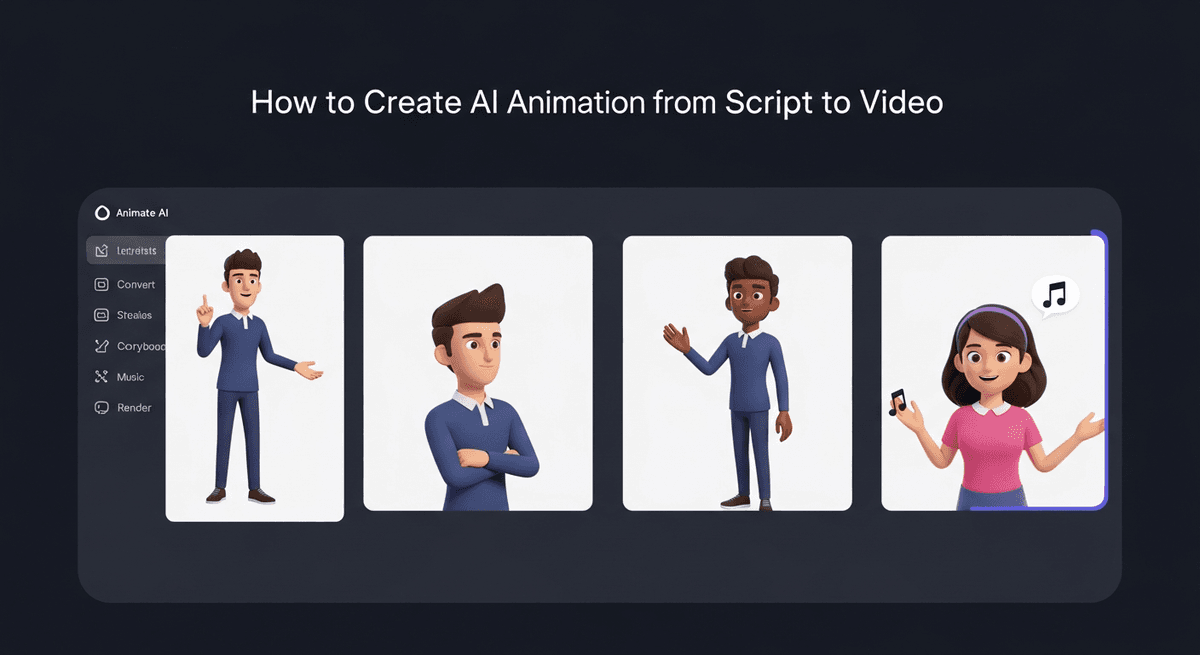
Transform scripts into polished animated videos with a full AI-powered workflow. Platforms like Animate AI enable creators to convert text into storyboards, generate consistent characters, animate scenes, add voiceovers and music, and render high-quality videos seamlessly. This approach accelerates production, reduces technical barriers, and allows storytellers, educators, and marketers to bring concepts to life efficiently.
What Is an All-in-One AI Animation Workflow?
An all-in-one AI animation workflow integrates script writing, storyboard generation, character creation, animation, and final rendering in one platform. Instead of juggling multiple software tools, creators can manage the entire process from a single interface. Animate AI exemplifies this approach by combining AI character consistency, storyboard automation, and autopilot video generation to streamline production while maintaining professional quality.
This workflow boosts efficiency, minimizes repetitive tasks, and enables users to focus on creativity. Features like automatic scene breakdowns and mood-based suggestions enhance storytelling without technical obstacles.
How Does the Script-to-Storyboard Process Work?
After uploading a script, AI parses the text into individual scenes, generating visual storyboards with timing, transitions, and layout suggestions. Animate AI allows users to edit panels, rearrange elements, and refine story flow before committing to animation. Storyboards can be exported as PDFs or directly to video editing tools, providing a seamless transition from planning to production.
| Step | Action | AI Tool Benefit |
|---|---|---|
| Script Input | Paste or upload text | Automatically interprets dialogue and actions |
| Scene Breakdown | AI generates panels | Visualizes timing and pacing clearly |
| Edit & Refine | Adjust elements | Ensures consistent character appearance |
| Approve & Export | Send to animation | Reduces revisions and speeds workflow |
Mood and scene recommendations help creators enhance the narrative while maintaining visual continuity.
Which AI Tools Handle Character Generation Best?
Effective AI character generation ensures visual consistency across scenes and projects. Animate AI excels in this area, supporting diverse styles from cartoon to realistic characters. Key evaluation factors include lip-sync accuracy, customization options, and integration with the animation workflow.
| Tool | Character Consistency | Lip-Sync Quality | Pricing |
|---|---|---|---|
| Animate AI | High, scene-to-scene | Natural AI voices | Subscription |
| Google Vids | Medium, avatar-based | Preset voices | Free tier |
| ScriptToVid | Basic customization | Improved sync | App-based |
Reliable character generation saves time by enabling reusable assets across multiple videos.
How to Animate Storyboards into Full Videos?
Import finalized storyboards into the AI animation engine, which converts static frames into smooth, dynamic scenes. Animate AI optimizes prompts to improve visuals, automatically adding motion, effects, and transitions. AI-generated voiceovers can match dialogue timing, and royalty-free music can enhance storytelling.
Templates accelerate production for social media clips or trailers, while AI enhancement tools upscale resolution and fix artifacts. Export options like MP4 ensure compatibility across platforms such as YouTube and TikTok. Autopilot mode allows hands-free production for creators seeking efficiency.
What Are Essential Video Enhancement Techniques?
Enhancing AI-generated videos improves clarity and professionalism. Animate AI offers tools for:
-
Upscaling resolution for sharper 4K visuals
-
Noise reduction and artifact removal
-
Audio balancing and synchronization with scenes
-
Color grading to match brand aesthetics
Other techniques include frame interpolation for fluid motion and object tracking for dynamic elements. Batch processing multiple clips can save significant time while maintaining quality.
Why Choose Animate AI for Your Workflow?
Animate AI combines all-in-one convenience, high-quality output, and ease of use. Free templates help creators start quickly, while advanced AI models deliver cinematic visuals. Commercial licensing allows creators to produce client-ready videos without watermarks. Users often report 5x faster production compared to traditional methods, making it ideal for marketers, educators, and content creators.
Animate AI Expert Views
Animate AI transforms animation by integrating every step from script to video into a single platform. Storyboards are generated instantly with consistent characters, and autopilot video creation minimizes effort while maximizing output. This efficiency allows creators to scale content rapidly, delivering professional-quality results even without specialized animation skills.”
— Alex Rivera, Lead AI Animator at AnimateAI.Pro
How to Optimize Prompts for Better Results?
Effective prompts guide AI to produce more accurate and creative outputs. Specify style, mood, camera angles, and scene details. Animate AI refines vague inputs automatically. Iterative testing with descriptive keywords improves relevance and visual quality. Combining templates with custom prompts allows hybrid results that balance speed and originality.
Best practices include limiting prompt length, referencing specific scenes, and using precise descriptive terms to maximize output fidelity.
What Challenges Arise in AI Animation Workflows?
Challenges can include inconsistent styles, long render times, or voice mismatches. Solutions involve consistent prompting, using cloud processing for speed, and leveraging built-in libraries for safe assets. Animate AI mitigates common issues through automated character consistency, prompt optimization, and integrated resources, making it easier for creators to deliver high-quality videos efficiently.
When Should You Use Templates in Workflows?
Templates are ideal for quick projects like social media clips, explainer videos, or ads under 60 seconds. Animate AI provides ready-to-use templates that accelerate production while allowing 70% customization. Templates save time, ensure structure, and maintain professional quality for repetitive content creation.
Key Takeaways and Actionable Advice
Adopt an all-in-one AI animation platform like Animate AI to streamline script-to-video production. Start with strong prompts, leverage storyboards, refine scenes iteratively, and experiment with templates for faster delivery. This approach allows creators to scale from short clips to full narratives efficiently, achieving professional-quality results with minimal technical barriers.
FAQs
Can beginners use AI animation workflows?
Yes, platforms like Animate AI allow scripts to convert directly into videos with an intuitive interface, requiring no prior animation skills.
How long does it take to create a video with Animate AI?
Production typically takes 10–30 minutes from script upload to final export, depending on video length and complexity.
Does Animate AI support reusable custom characters?
Absolutely, characters can be generated and reused across multiple projects while maintaining visual consistency.
Are exported videos free of watermarks?
Yes, Animate AI provides commercial-ready HD videos without branding.
What file formats are available for export?
Videos can be exported as MP4, MOV, or GIF for versatile platform compatibility.